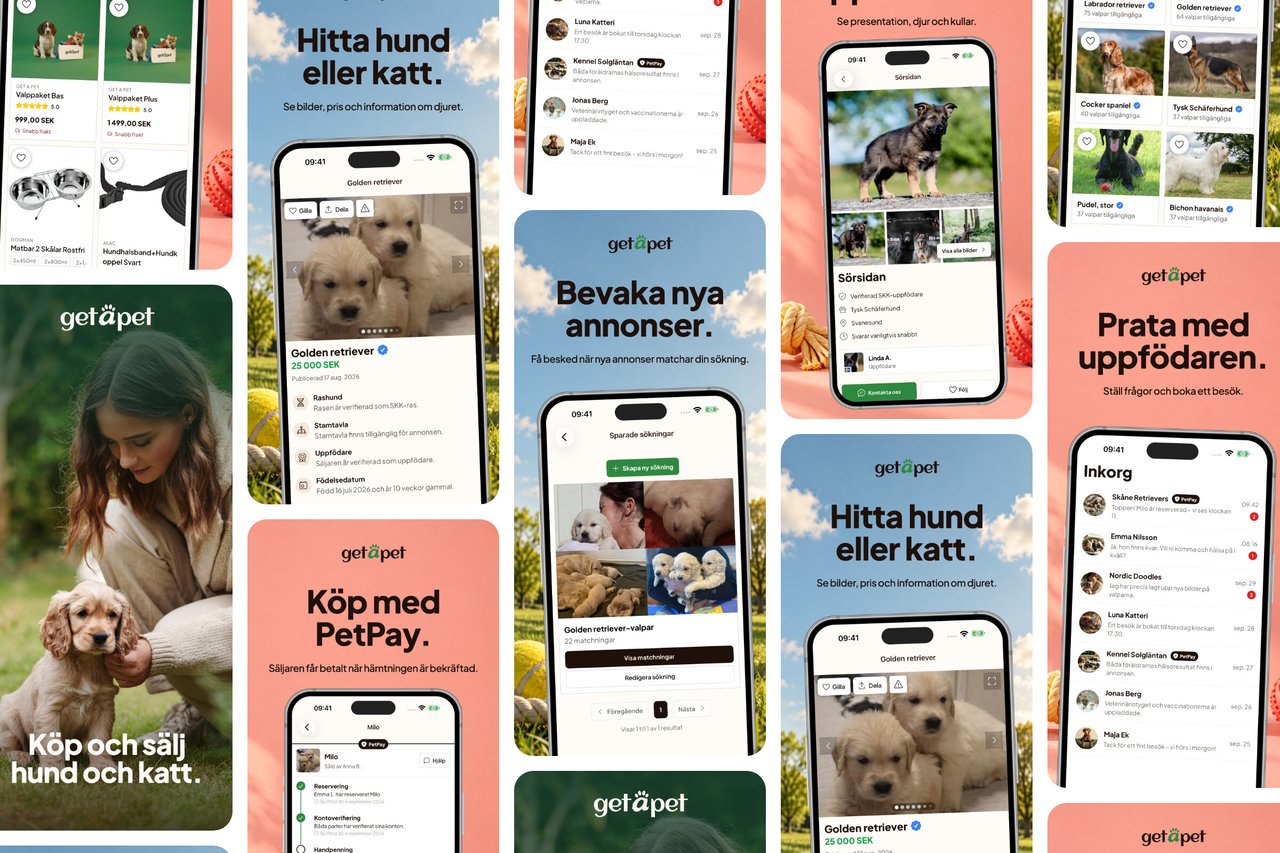

Anyone who has raised a litter knows how much there is to keep track of. When did she come into heat? What day did the mating take place? How much did the puppies weigh this morning? And who was it who called about a female puppy? The answers often end up on notes stuck to the fridge, in a spreadsheet, and in your phone’s notes app.
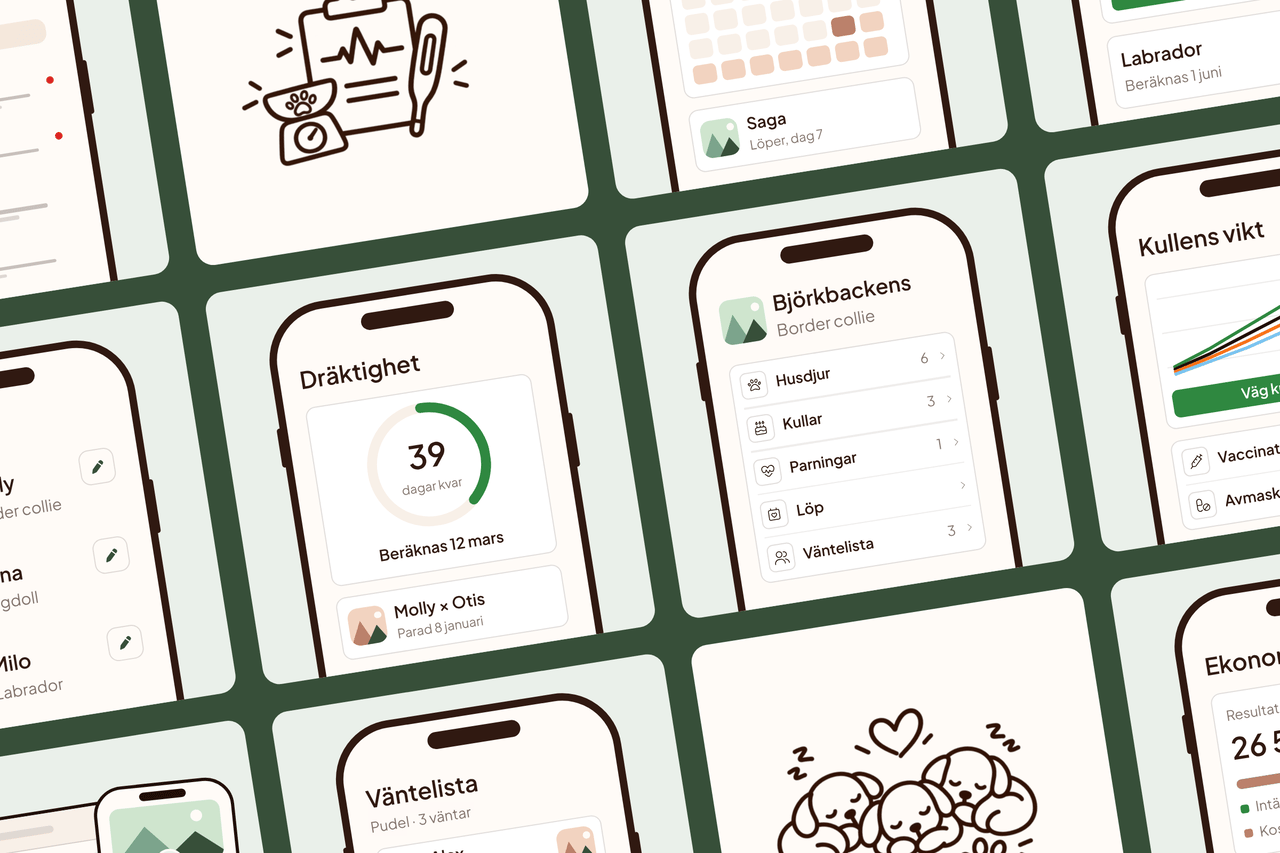
Now you can keep it all with us, in the same account as your breeder profile and listings. The tools are in the Breeder Panel, both on the web and in the app. The overview shows you at a glance what’s happening in your kennel: planned or expected litters, females that are in heat or due to come into heat soon, matings awaiting confirmation of pregnancy, and booked vet appointments.
“A litter means months of work before the puppies are even born. We’ve built these tools so you can spend less time on paperwork and more time with your animals,” says André Andersson, one of the founders of Get a Pet.
Here, we follow a litter from start to finish. We refer to female dogs and puppies, but everything works the same way for female cats and kittens.
¶It starts with the heat cycle
Start by adding your breeding females under Pets and logging their heat cycles. You only need to enter the first day to begin with. Add the last day once the heat is over.
Once you’ve logged two heat cycles, the next one is calculated using your female’s own interval. Until then, you’ll get an estimate. Under Heat Cycles, you can see which females are currently in heat and what day they’re on. For the others, you’ll see when their next heat is expected, so you can plan the mating well in advance.
¶Plan the litter
Once you’ve decided to go ahead, add a planned litter under Litters, with the mother, father, and an approximate date. If the male is from another kennel, enter his name. You can add his registration number if you like. If it can be verified, his pedigree will appear in the listing.
The planned litter appears on your breeder profile straight away. Puppy buyers can see the breed, parents, and expected date there. They can contact you before the litter is even born.
Looking for a male for your female? Under Breeding Animals Available for Mating, you’ll find dogs and cats offered by other breeders, along with health tests and registration numbers. You can also showcase your own breeding animals there.
¶Mating and pregnancy
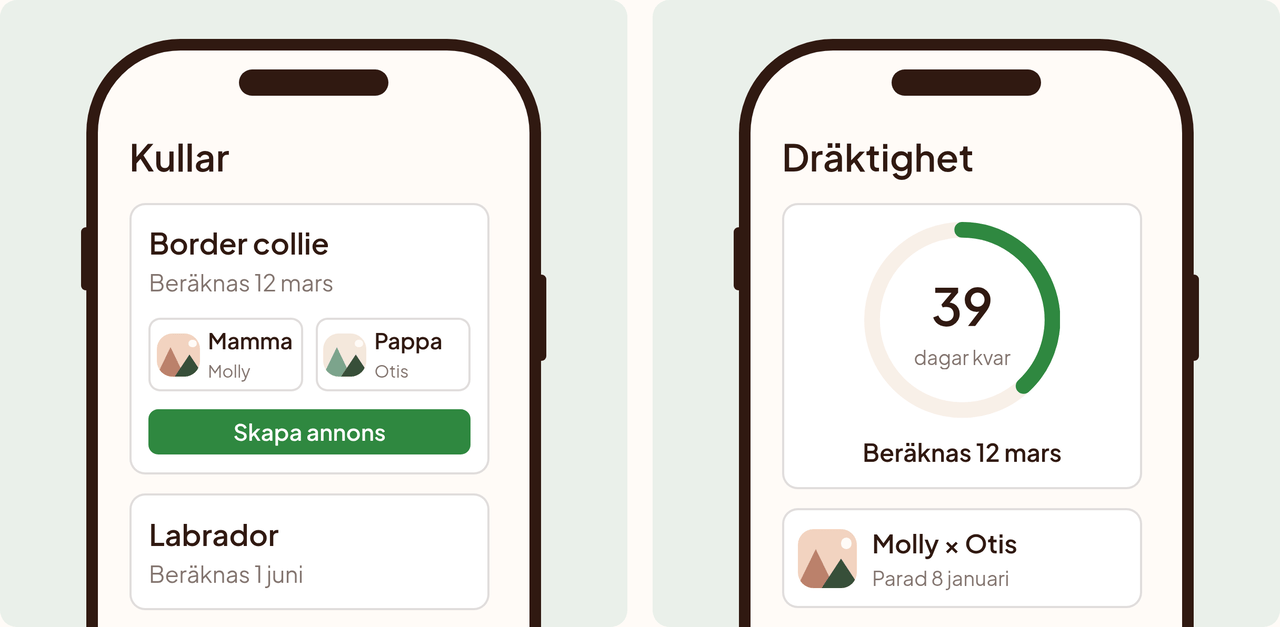
Say your female, Molly, mates with Otis on January 8. You log the mating with the date, female, and male. You can already see that, if she becomes pregnant, the puppies will be due on March 12. The male can be your own, from another kennel, or unknown for now.
Once the pregnancy is confirmed, record it. The litter is then given an expected birth date: 63 days after mating for dogs and 65 for cats. If you’ve already added a planned litter, the pregnancy is linked to it.
The litter’s page then counts down the days. It also shows anything you log for Molly during her pregnancy, such as her weight and temperature. Her weight is displayed in a chart so you can track her weight gain.
¶When the puppies are born
Then, one day, they’re here. Record the birth date and the number of male and female puppies.
The puppies on the litter’s page are pulled from the litter’s listing. Click Create Listing next to the litter, and the breed, parents, dates, and puppies will be filled in for you. A draft is all you need. If you change the litter while the listing is still a draft, the listing will update too.
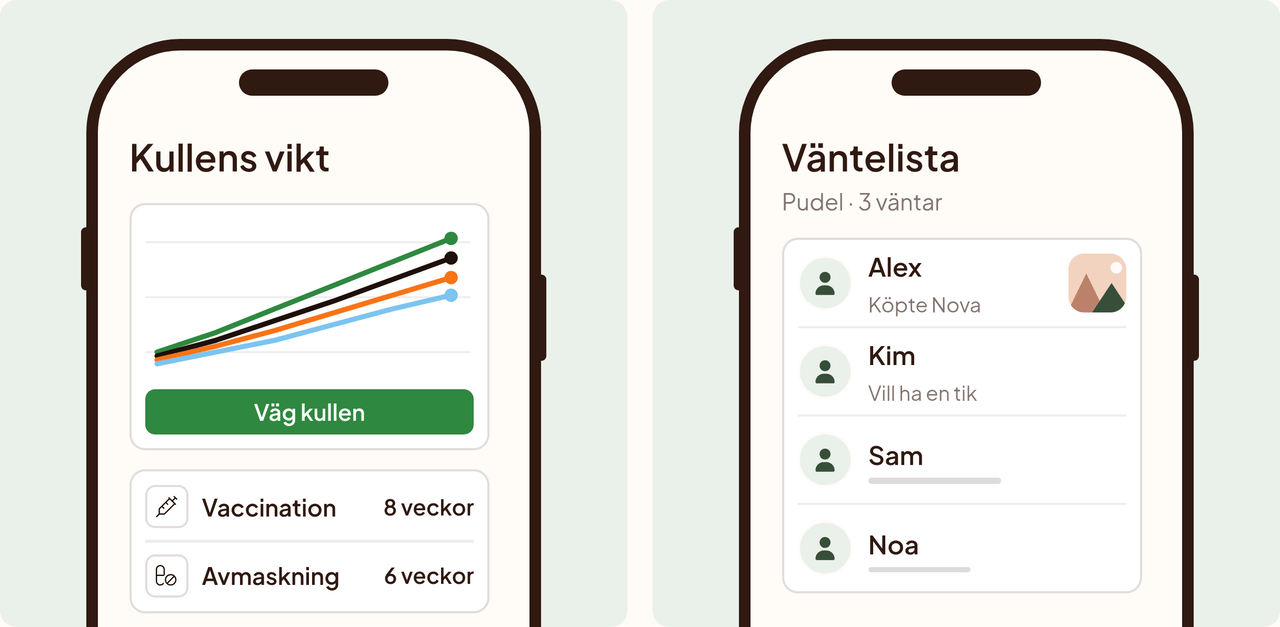
You can then record weights for the whole litter in one go. Choose the day and enter each puppy’s weight. The chart shows a line for each puppy, so you can spot straight away if any are falling behind.
In the litter’s health record, you can log vaccinations, deworming, food, and vet visits, either for the whole litter or for individual puppies. Save certificates as PDFs or images.
¶The waiting list
Add everyone who contacts you about a puppy, ideally with their phone number and preferences, such as sex or colour. You can link them to a particular litter or leave them waiting for the next one. If they have a Get a Pet account with the same phone number, you’ll see that in the list.
When someone buys a puppy, select which one, and the puppy will be marked as sold in the listing. Afterwards, you’ll still have a record of who took home which puppy. That’s invaluable when you want to check in and see how they’re doing.
¶The litter’s finances
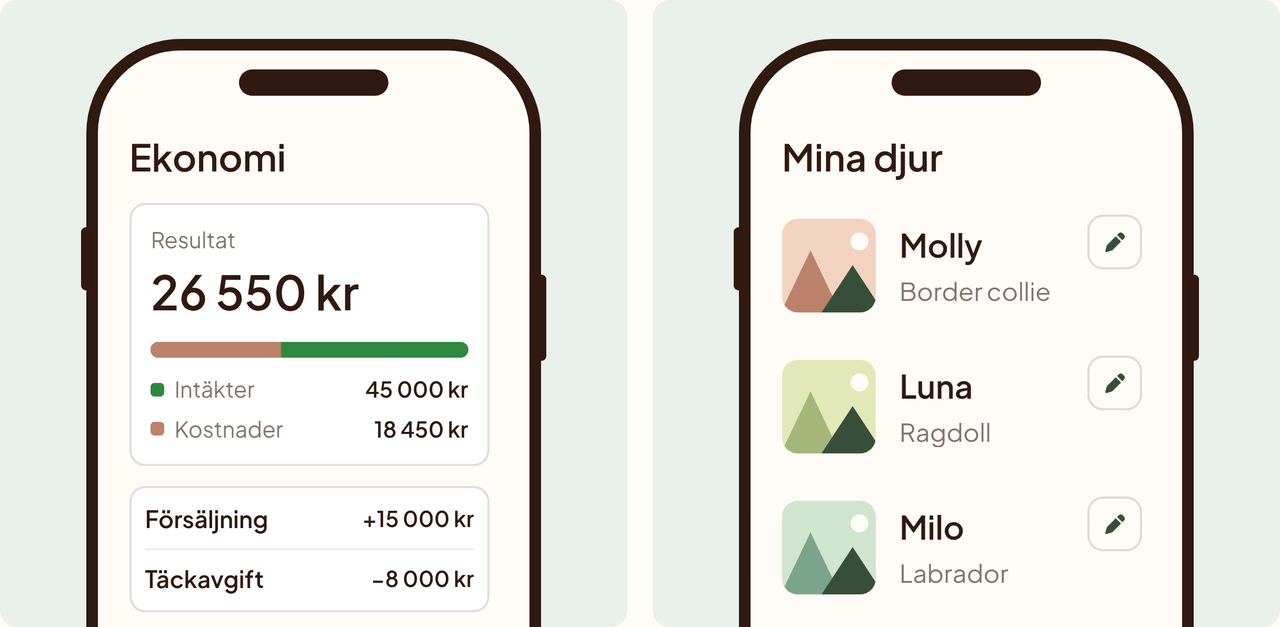
Add the litter’s expenses, such as stud fees, vet bills, food, registration, and equipment. Record income too, including both deposits and sales. Save receipts as images or PDFs with each entry. The litter’s page shows income, expenses, and profit or loss, so you know the financial outcome.
¶Your animals and their paperwork
Each dog or cat in your kennel has its own page. Here, you can keep their registration number, microchip number, health tests with results and certificates, pedigree, weight, and vaccinations. Health testing is an important part of responsible breeding. Now you’ll have the information to hand when a puppy buyer or another breeder asks.
Only you can see the microchip number. Enter the date and time of vet appointments, and they’ll appear in the overview. If you have breeding females living in guardian homes, add them with the role In a Guardian Home. Their heat cycles will then be included just like those of the females living with you.
¶Your profile and buyers
Buyers can find you in the breeder directory. On your profile, they can see your breeds, photos, upcoming litters, and social media links. When they write to you, their message arrives in your inbox. If they’re asking about a listing, you’ll see which one. You can reply on the web or in the app.
¶Get started
- Add your breeding animals under Pets. Heat cycles and matings are linked to them.
- Log each female’s most recent heat to get an initial estimate of the next one.
- Add your next planned litter so it appears on your profile.
- Add the people who are already waiting for a puppy.
If you don’t have a breeder account yet, you can create one in the Breeder Panel. It’s free. More than 5,000 breeders across the Nordic countries already have a profile with us, so you’re in good company. You can also find all the tools together on the Tools for Breeders page.
These tools are new, and we’d love to hear how they work in your day-to-day life. Is something missing, or not working as you expected? Get in touch through Help.