
Anyone who has looked for a puppy knows how it tends to go. You send a breeder a question during lunch, and the reply arrives while you’re on the bus home. It’s much the same for breeders. Buyers’ questions often arrive right in the middle of a walk with the dogs.
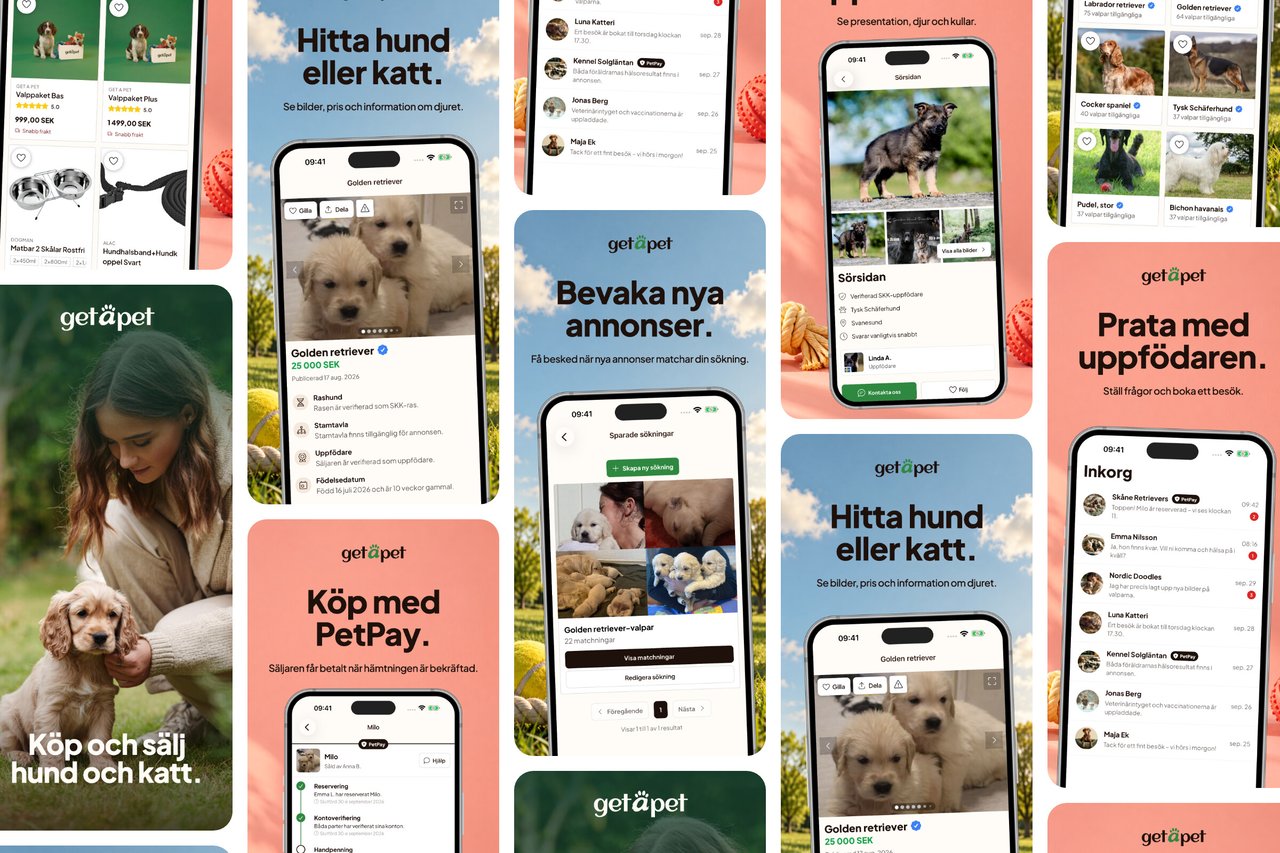
Life rarely happens in front of a computer. That’s why most of us already have our banking, maps and bus tickets on our phones. We want the things we use often close at hand. Now you can have Get a Pet there too.
The app is just a tap away on your home screen. The first time, you log in with your phone number and a code sent by text, just as you do on the website. After that, you stay logged in until you log out, and your listings, messages and saved searches are already there. When someone messages you, you get a notification and can reply straight away.
“Once you’ve found the right puppy, it’s hard to think about anything else. You don’t want to miss the breeder’s reply,” says André Andersson, one of the founders of Get a Pet.
You can download the app for free from the App Store and Google Play.
Here, we follow a puppy purchase in the app, from choosing a breed to the day your puppy comes home. You can find kittens in the same way.
¶Find the right breed
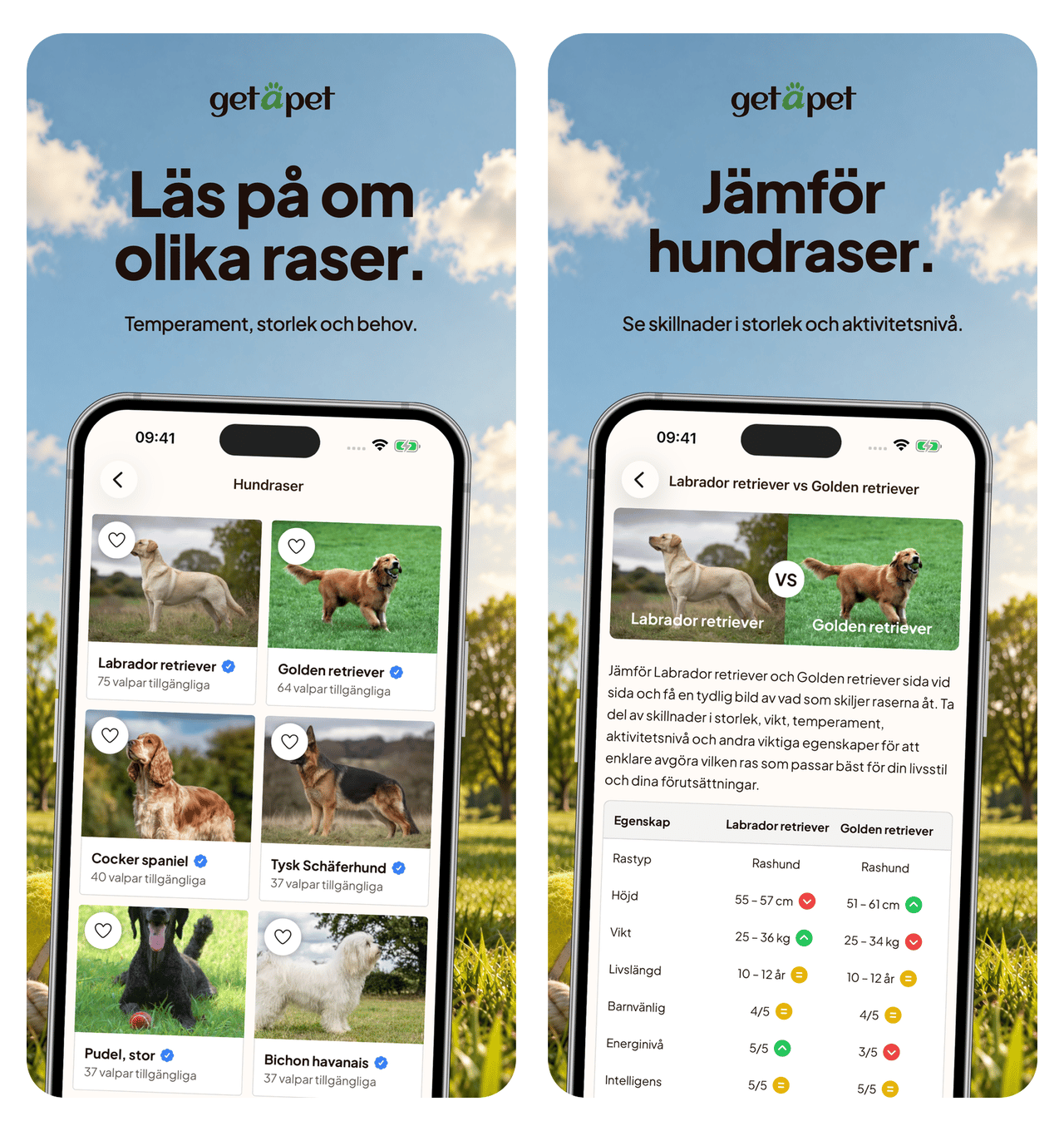
Not sure which breed to choose yet? In the breed guide, you can read about each breed’s temperament, size, grooming needs and health. If you’re torn between two breeds, you can compare them side by side.
¶Search and watch
Say you’ve decided on a golden retriever and already know you’re going to call her Saga. You browse the puppies for sale and filter by breed, age, price and distance.
Each listing shows photos, the price and what we’ve checked. If it says Verified Purebred Dog, we’ve found the dog’s pedigree in the kennel club’s registry. A blue shield next to the seller’s name means they’ve verified their identity.
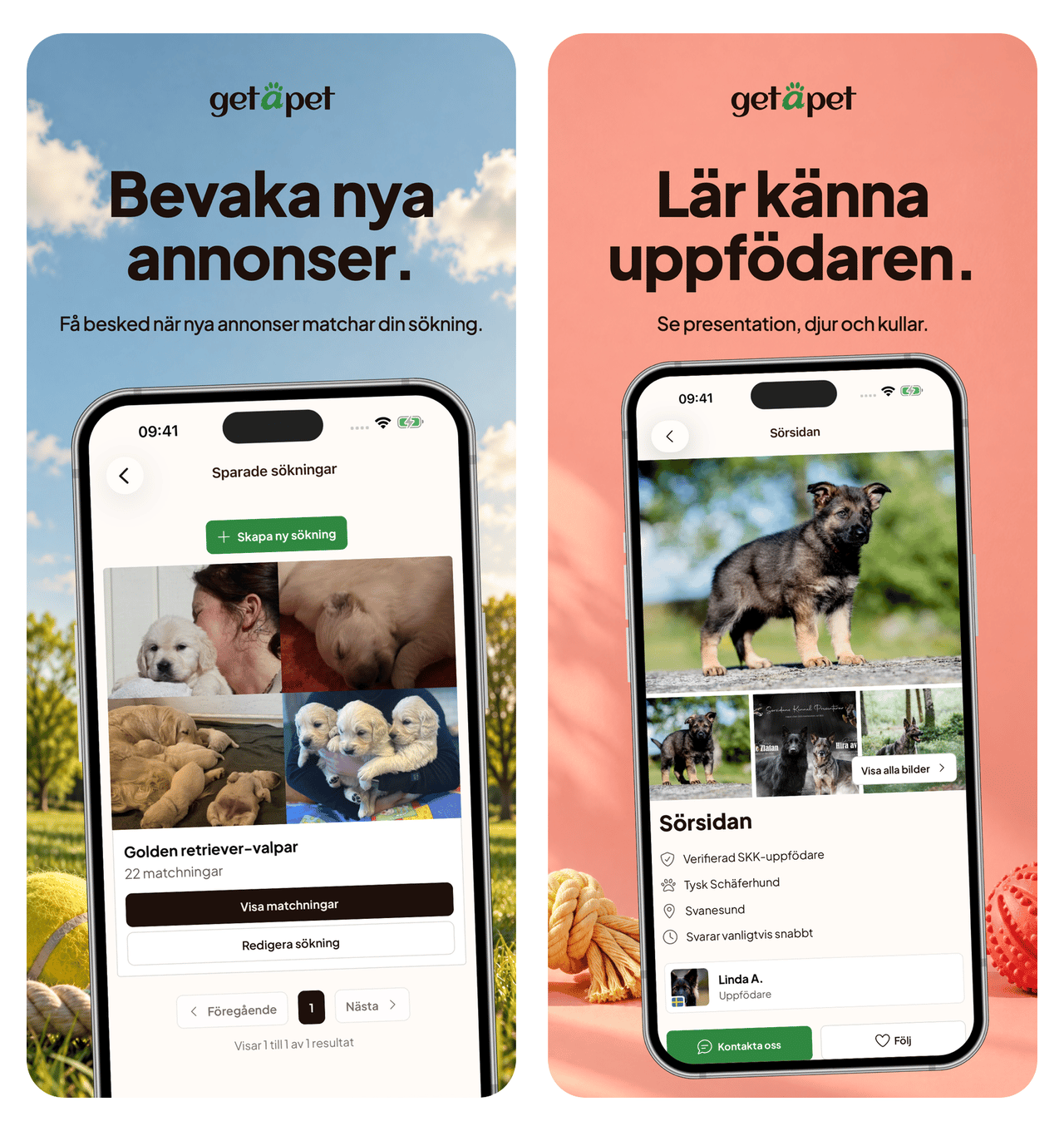
Tap Like to save listings you want to come back to. Can’t find the right puppy just yet? Tap Watch, and we’ll email you when a new listing matches your search.
¶Talk to the breeder
More than 5,000 breeders across the Nordic countries have a profile with us. On their profiles, you can see their introductions, animals, litters and reviews from other buyers. If you have any questions, tap Contact Us to message the breeder.
When the breeder replies, you’ll get a notification. Tap it to go straight to the conversation. You can also use the chat to arrange a visit to meet the puppies.
¶Buy with PetPay
Once you’ve agreed on which puppy will become Saga, the breeder can send you an invitation to PetPay, our payment service, in the chat. You can then follow each step of the purchase in the app: reservation, deposit, purchase agreement, final payment and pickup.
You’ll get a notification when your payment goes through. If the breeder signs the purchase agreement before you do, you’ll get a notification about that too.
¶Bringing your puppy home
Before your puppy comes home, you can browse the shop directly in the app. You’ll find puppy starter packs, treats, toys and dog accessories.
Then comes the day you pick up Saga. PetPay holds the final payment until you’ve confirmed pickup in the app. Only then is it released to the breeder.
¶When you’re selling
You can create a listing directly in the app, using photos and videos on your phone. If you sell with PetPay, you’ll get notifications when the buyer pays the deposit and the final balance. You’ll also be notified when the money has been paid out to you.
¶For breeders
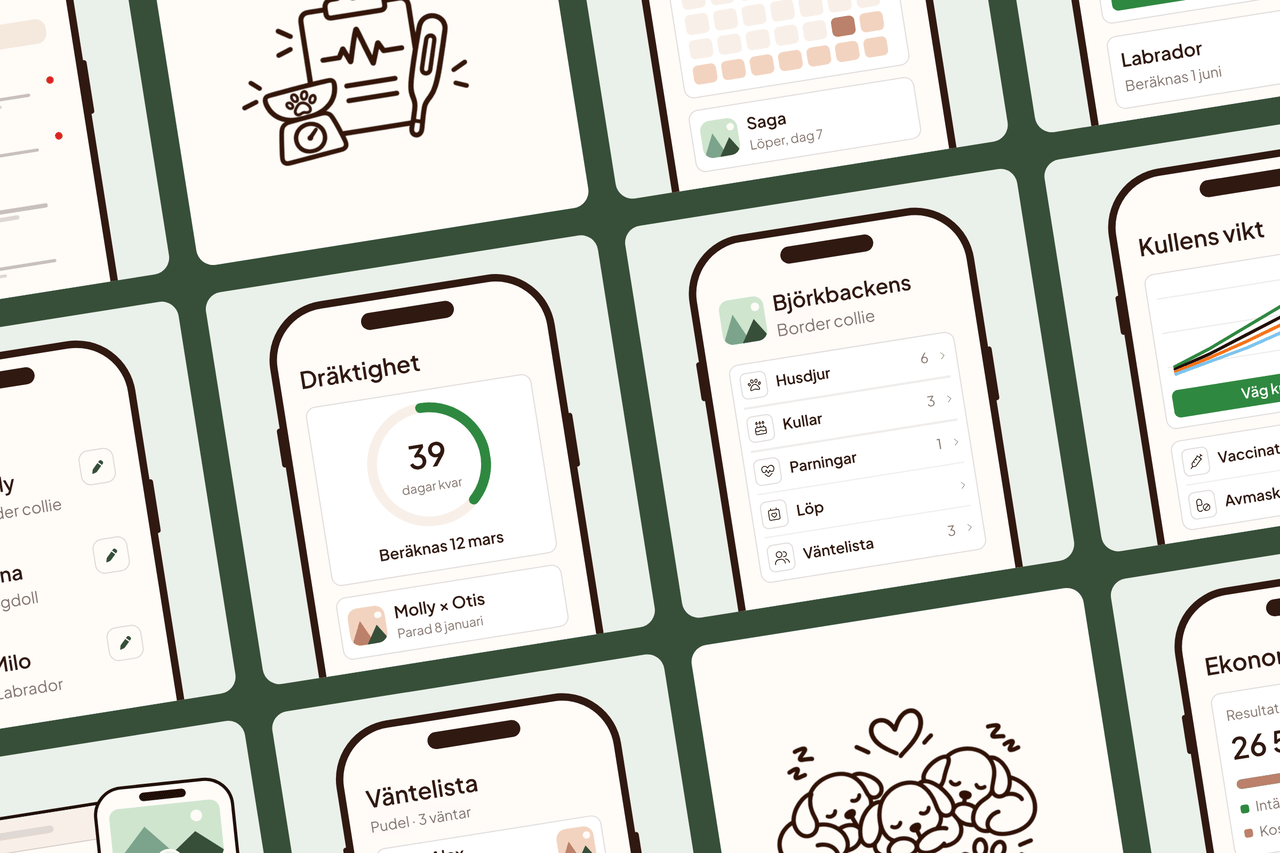
If you have a breeder account, the Breeder Panel is also available in the app, under the Breeder tab. Read more about the tools in Introducing new tools for breeders.
¶Download the app
The app works on iPhones running iOS 15.1 or later and devices running Android 7.0 or later.
The app will ask if you’d like to receive notifications. If you’ve declined, you can turn them on under Notifications and Permissions in the Account tab.
We’d love to hear what you think of the app. Contact us through Help if anything is missing or not working properly.